BlogInsightsBest project management tools for small teams

Best project management tools for small teams

Choosing the right project management tool is a decision that can impact your team’s entire workflow. The market offers a variety of tools, from simple solutions for small teams to powerful systems for corporations. Our comparison article will guide you through the best project management software available for small teams.

What is a project management tool?

Project management tools help you plan, organise and track your team’s projects and tasks. They also make it easier to stay connected with colleagues and clients and to manage resources effectively.

Top trends in project management

Trends in the market have a big impact on what project managers expect from their tools. In the last couple of years, the biggest trend has clearly been AI, but it’s not the only one. Here are the main trends shaping project management today.

1. AI and automation

Instead of updating tasks and chasing progress manually, teams can now rely on features that do this for them. AI-generated summaries and automated workflows help small teams save time and stay organised.

2. Hybrid methodologies

More teams are mixing approaches instead of sticking to just one. For example, they might use Agile sprints for development and a more traditional plan for deadlines and budgets. Tools that support different views, like boards, lists and timelines, make this much easier.

3. Data and analytics

Project managers want to see what’s working and what’s not. Dashboards and reports help teams track progress, spot delays early and make decisions based on real data instead of guesswork.

4. Remote and hybrid work

With teams working from different locations, it’s important that everyone has access to the same information. Project management tools have become the central place for communication, file sharing and updates, so no one is left out of the loop.

Project management tools compared

Below, we’ve compared 8 popular tools that work well for small teams. For each one, you’ll find what it does best, why small teams like it, pricing and what to watch out for. 

Trello

Best for very small or non-technical teams

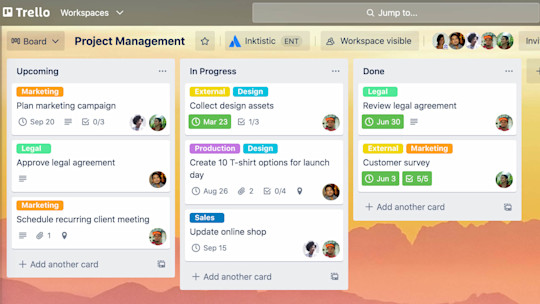
Trello is the simplest way to get a visual board running in minutes. For a team of 2 to 5 managing a product roadmap, launch checklist or simple backlog, it’s often all you need at the start.

Image source: trello.com

Asana

Best for teams that need clear structure and deadlines

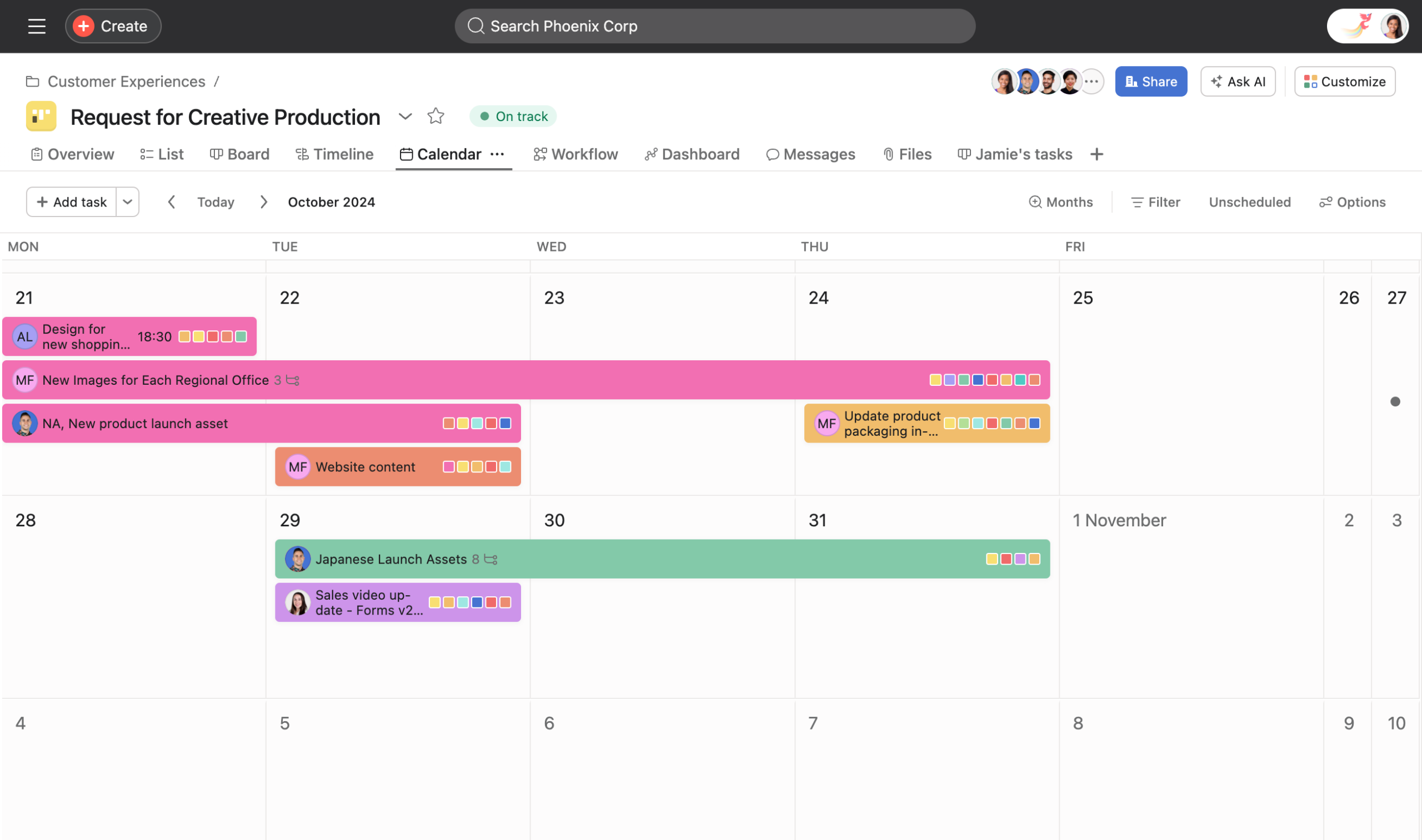
Asana is one of the most widely used work management tools. Teams can plan projects in list, board, calendar and timeline views, assign owners and due dates, and set up rules that automate routine steps. It works well when several people or departments need to see how their work fits together.

Image source: asana.com

monday.com

Best for teams that want visual, customisable workflows

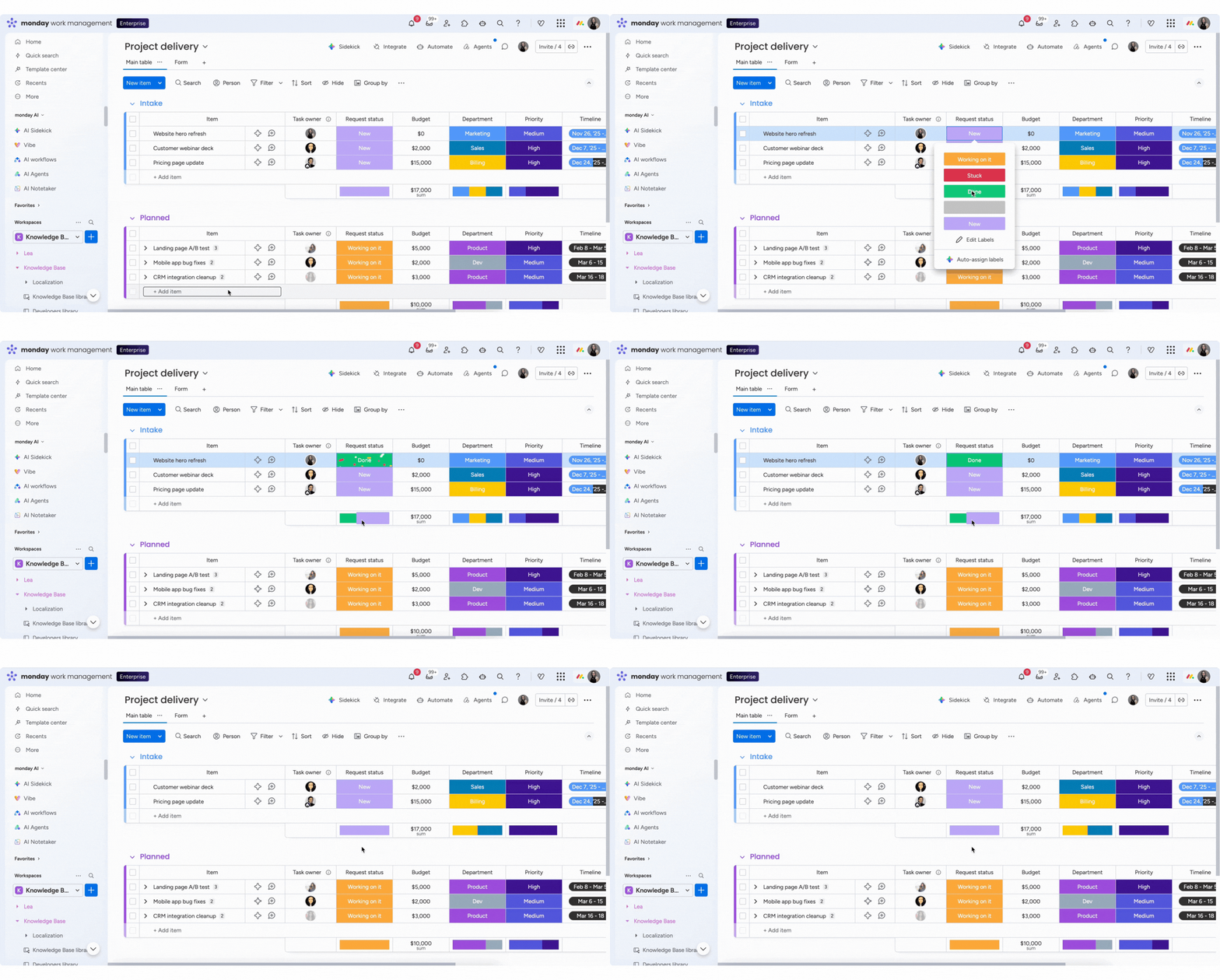
monday.com is one of the most popular work management platforms. Teams build boards for projects, tasks or client work and switch between table, kanban, timeline and calendar views. It’s easy to pick up, and automations take care of routine updates like status changes and reminders.

Image source: monday.com

Notion

Best all-in-one space for roadmaps, specs and docs

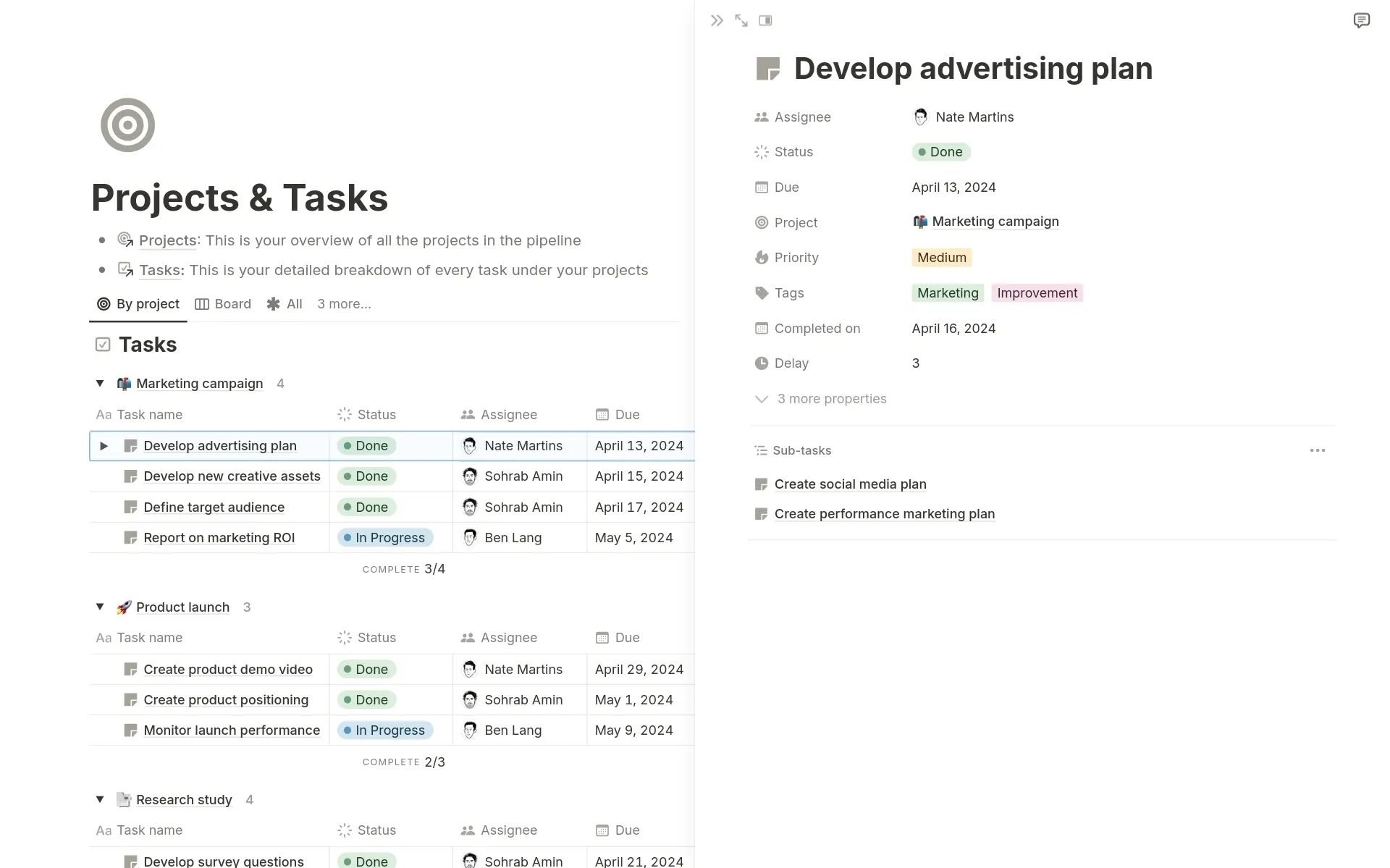
Notion is a flexible workspace where many early-stage teams run their whole product operation: a roadmap database, PRDs, meeting notes, feedback logs and the company wiki. Its strength is that everyone already knows how to use it.

Image source: notion.com

ClickUp

Best for teams that want one tool for everything

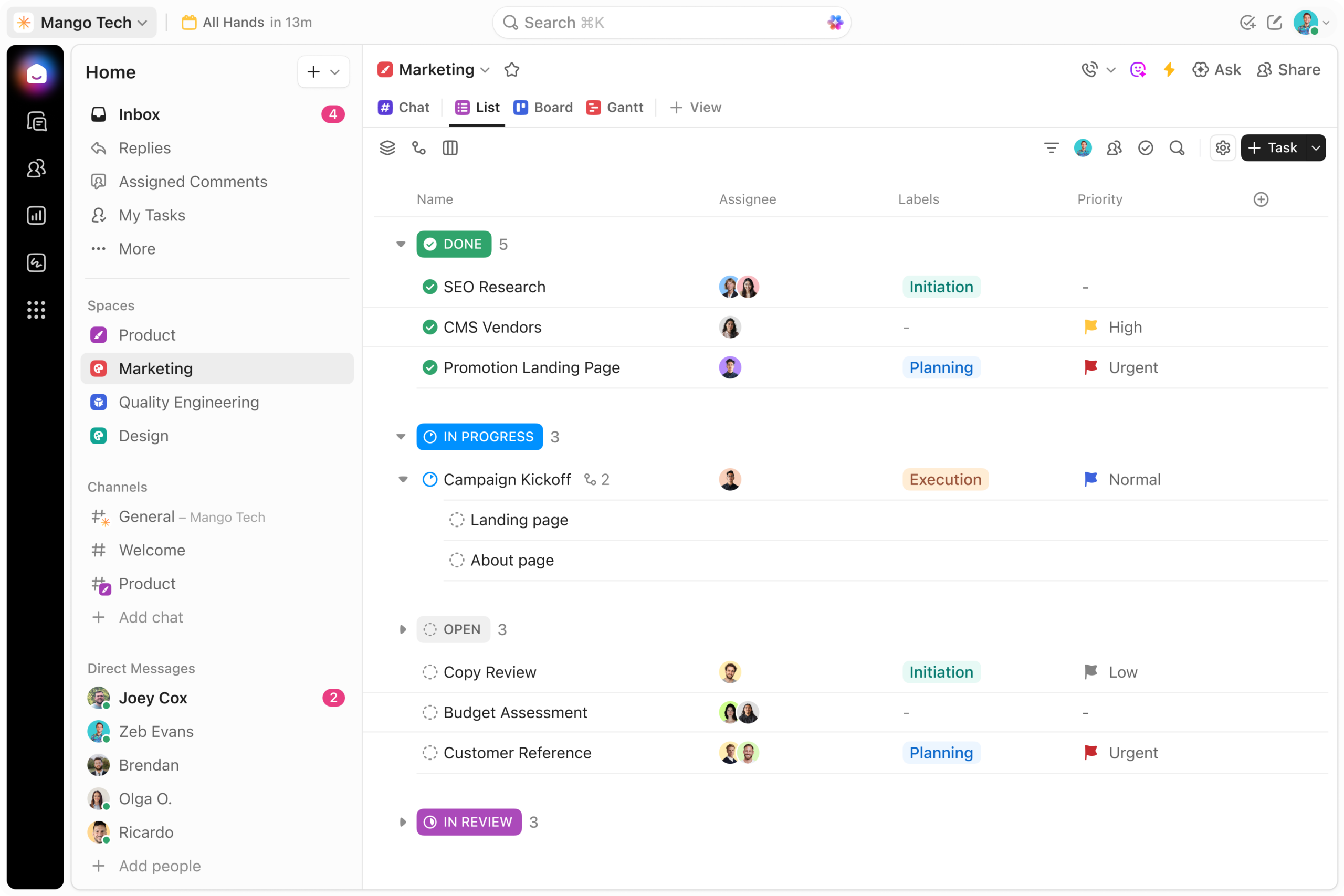
ClickUp combines tasks, docs, whiteboards, chat, goals and sprints in one workspace. It suits small companies where product, marketing and operations want to share the same tool rather than pay for three.

Image source: clickup.com

Jira

Best for software and technical teams

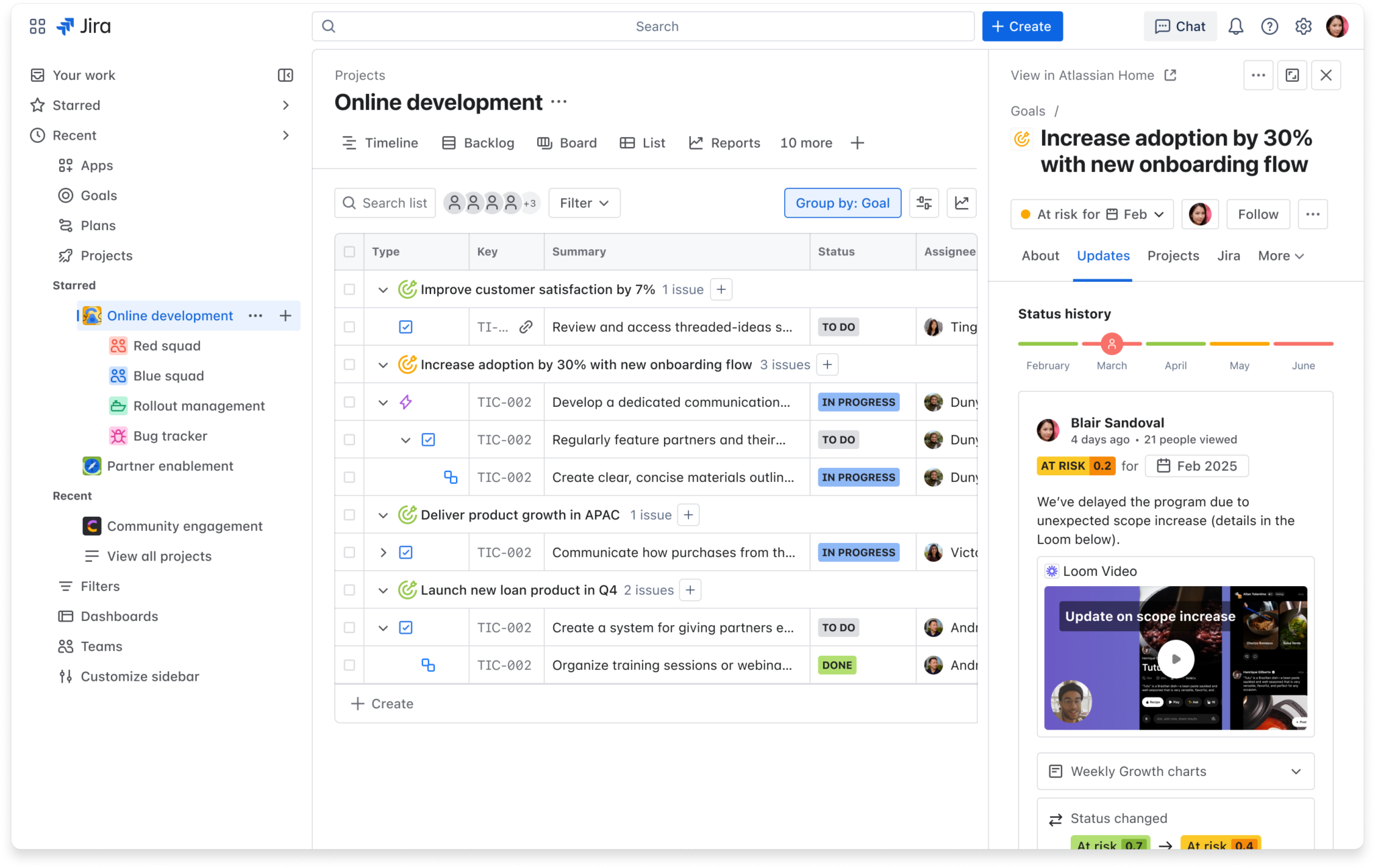
Jira is one of the best-known tools for planning and tracking work in software teams. It supports Scrum and Kanban boards, backlogs, sprints, timelines and reporting, and it’s flexible enough for non-technical teams to use as well. Small teams can start on the free plan and grow into it without switching tools.

Image source: atlassian.com

Basecamp

Best for simple projects and client work

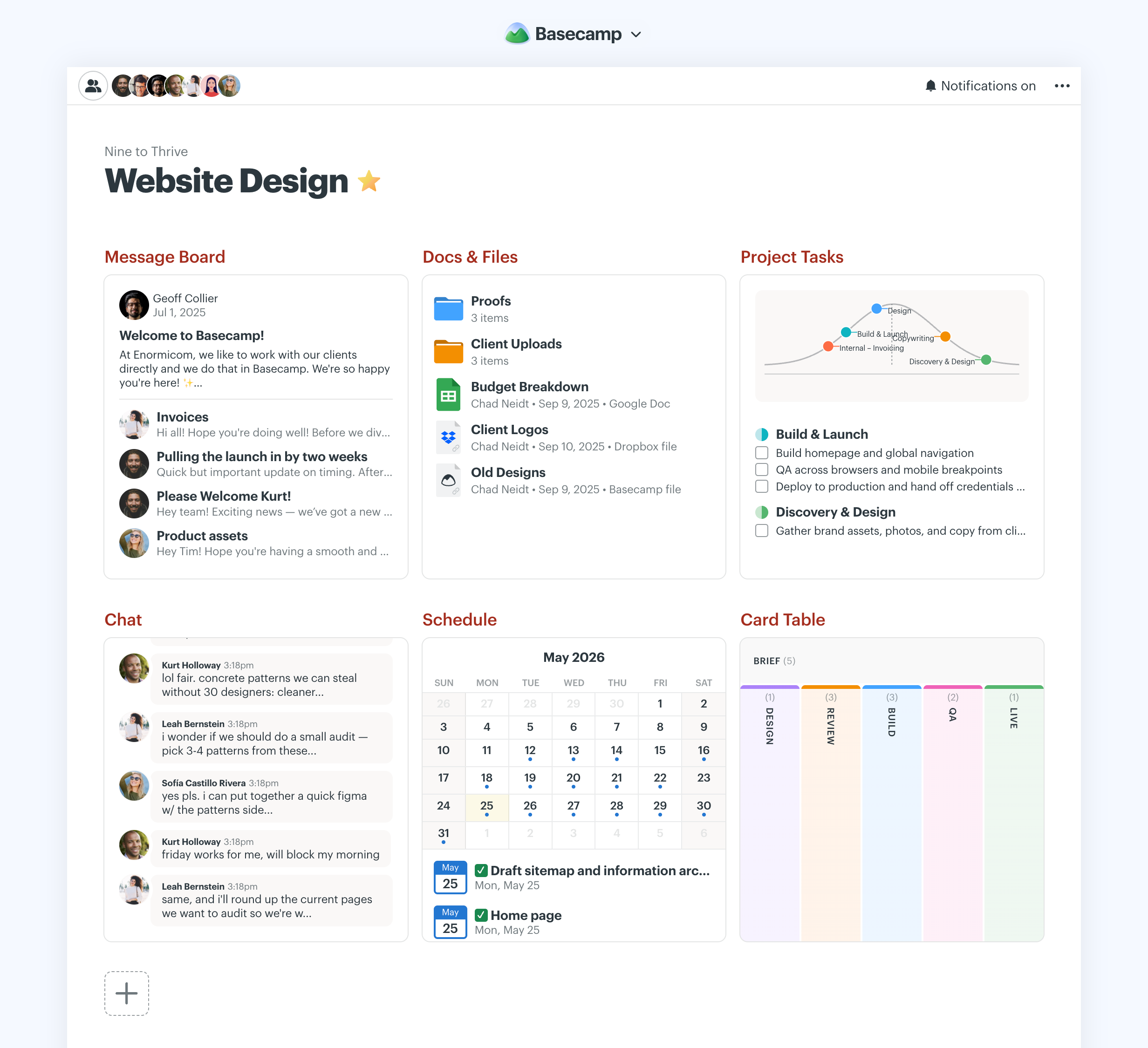
Basecamp keeps everything for a project in one place: to-dos, a message board, a schedule, docs and files, group chat and a card table for kanban-style work. It’s designed to cut down on long email threads and status meetings, which is why it’s popular with agencies and teams that work closely with clients.

Image source: basecamp.com

Linear

Best for fast-moving product and engineering teams

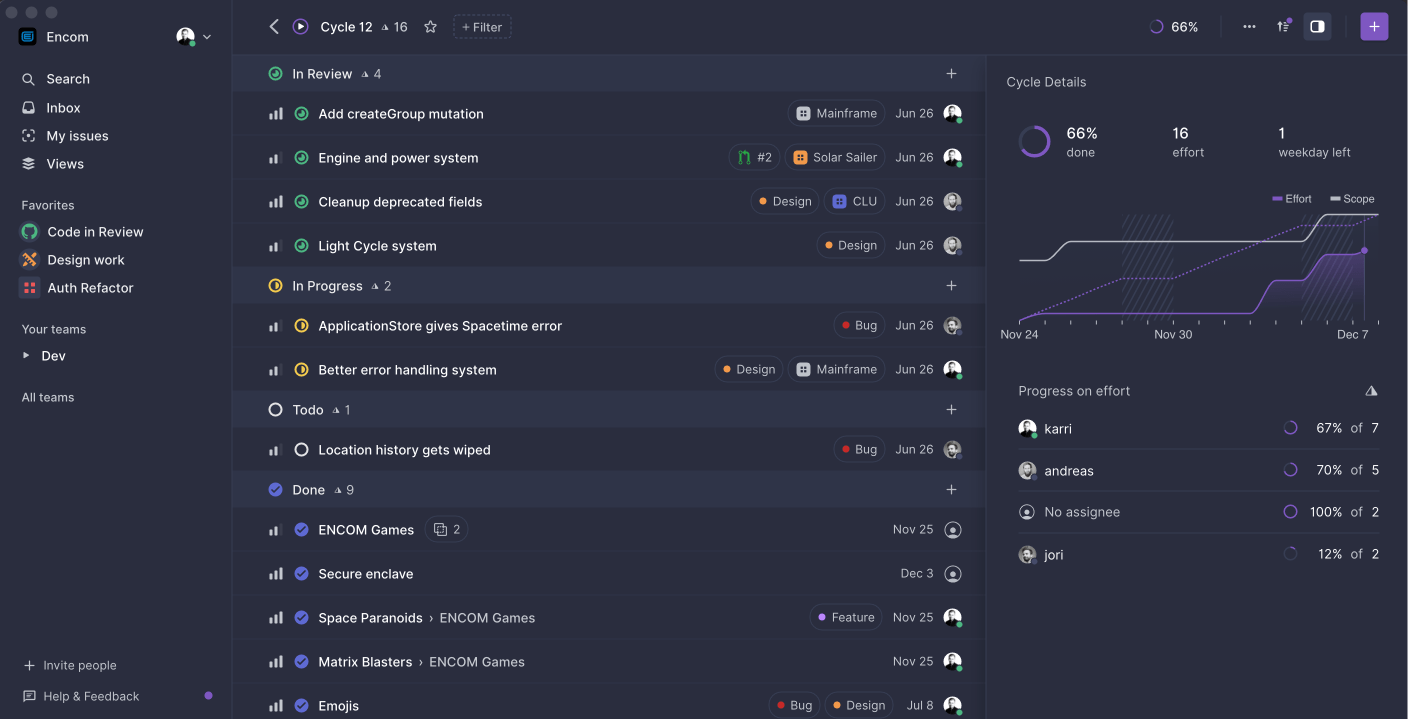
Linear is an issue tracker built for speed. It covers backlogs, cycles (sprints), projects and initiatives, so a small team can connect day-to-day work to bigger goals without heavy process. It’s keyboard-first and genuinely quick, which is why developers tend to actually keep it updated.

Image source: linear.app

Make a list of the features you need

Before choosing a tool, it’s important to determine which features are essential to make your work effective. Start by answering these questions.

  1. What do you need to track? Simple tasks and to-dos, or full projects with deadlines, dependencies and milestones?
  2. How do you like to see your work? Do you prefer lists, kanban boards, calendars or timelines?
  3. Who needs access? Only your team, or clients and freelancers too?
  4. Which integrations do you need? Check that the tool connects with the software you already use, like Slack, Google Workspace, Microsoft 365, GitHub or your CRM.
  5. How much can you automate? Which repetitive tasks, like reminders or status updates, would you like the tool to handle?
  6. What reporting do you need? Is a quick progress overview enough, or do you need detailed dashboards?
  7. How easy is it to learn? Will everyone on the team actually use it and keep it updated?

Sign up for trials and involve your team

Most project management tools offer a free plan or a free trial, so take advantage of it before you commit. Sign up for a few trials, book demos where available and test the tools on a real project.

Your team should be involved in testing. If your team doesn’t like the tool, its interface, or its features, it won’t deliver the results you expect.

Collect feedback from everyone and choose the option that works best for the whole team.

Looking for experienced support without hiring full-time? At Fractional Teams, we help B2B tech companies grow with flexible, on-demand product and marketing support. Get in touch and tell us what your team needs.


  • Services
  • Customers
  • Resources
  • Pricing